Welcome to Pro Inventory Management (PIM), the all-in-one platform designed to help collectible retailers manage inventory, streamline sales, and grow their business. Whether you operate a comic shop, sell online, or manage multiple sales channels, this documentation will guide you through every feature of PIM.
What is PIM?
Pro Inventory Management (PIM) centralizes every part of your collectibles business into a single platform. From managing inventory and publishing listings to tracking orders, customers, analytics, and marketplace integrations, PIM helps reduce manual work so you can focus on growing your business.
PIM Overview Video
Watch this short video to get a quick overview of PIM and its speed:
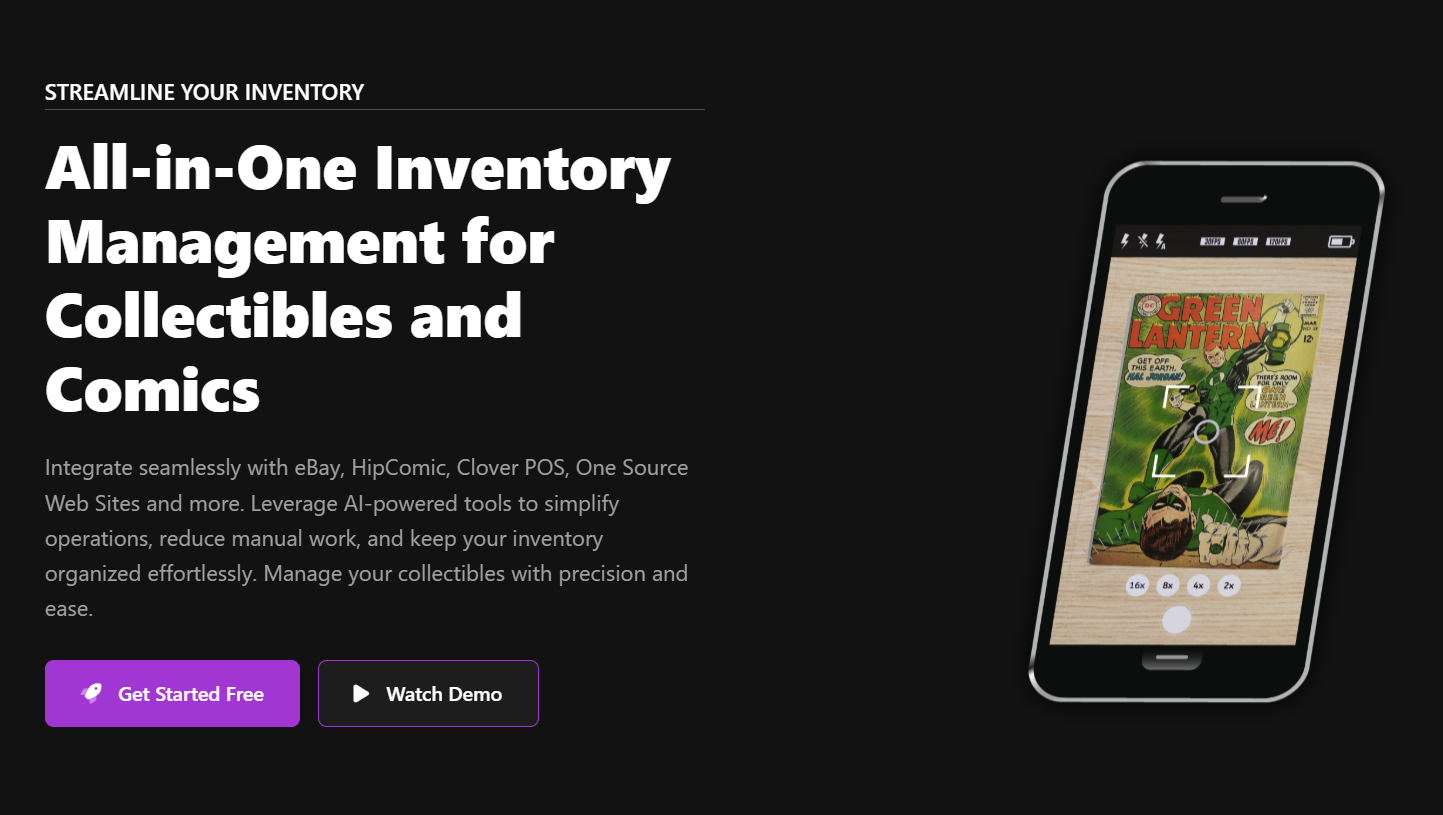
This video demonstrates the speed and benefits of using PIM to process your collectibles.
Key features of PIM include:
Product Management
Easily add, edit, and organize your products with detailed information and images.
Orders
Track and manage orders from multiple sales channels in one place.
Customer Management
Keep track of your customers, purchase history and pre-order management.
Marketplace Integration
Connect with popular marketplaces like eBay, Hip Comic, OneSource Web Systems (Website) and Clover POS Systems.
Pre-Orders
Handle pre-orders for upcoming releases and manage customer reservations.
Analytics & Reporting
Gain insights into your business with detailed reports and analytics.
Who is PIM For?
PIM is designed for specialty retailers who deal with collectibles, comics, graphic novels, mangas, funko pops!, and similar items. It's particularly well-suited for:
Getting Started
To get started with PIM, follow these steps:
Register
Register at Register to get started.
Get Confirmed
Once registered admin will view your account and confirm your account.
Add Products
Start adding your products to the system. Learn more in the Products section.
Connect Marketplaces
Integrate with marketplaces like eBay and Hip Comic. See the Integrations section.
Set Up Users
Add users and assign appropriate permissions for your staff.
System Requirements
To run PIM effectively, your system should meet the following requirements:
Web Browser
Modern browser like Chrome, Firefox, Safari, or Edge (latest versions recommended)
Internet Connection
Stable internet connection with minimum 5 Mbps download speed
Device Compatibility
Works on desktop, tablet, and mobile devices with responsive design
Next Steps
Now that you have an overview of PIM, you can proceed to the Login Page to get started.